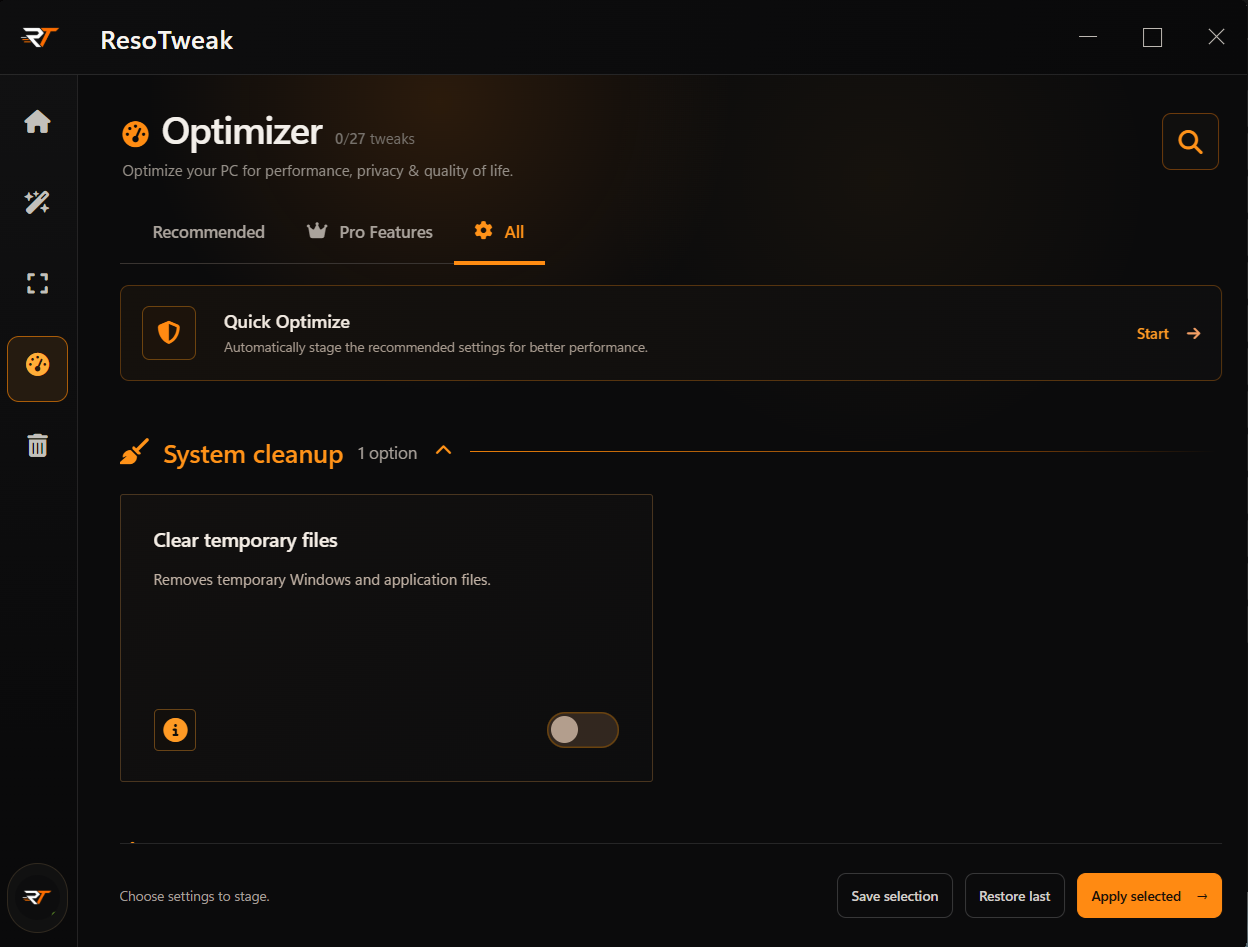
Optimizer
Review Windows actions and optional cleanup for %TEMP%, DirectX cache, and shader cache before applying.
Explore Optimizer ResoTweak
WINDOWS PERFORMANCE WORKSPACE
ResoTweak gives you one clear place for reversible Windows tuning, installed-game display profiles, storage context, and recovery when you need it.
One connected workspace
Desktop and account use the same language: understand the system first, then act with a clear way back.
Review Windows actions and optional cleanup for %TEMP%, DirectX cache, and shader cache before applying.
Explore Optimizer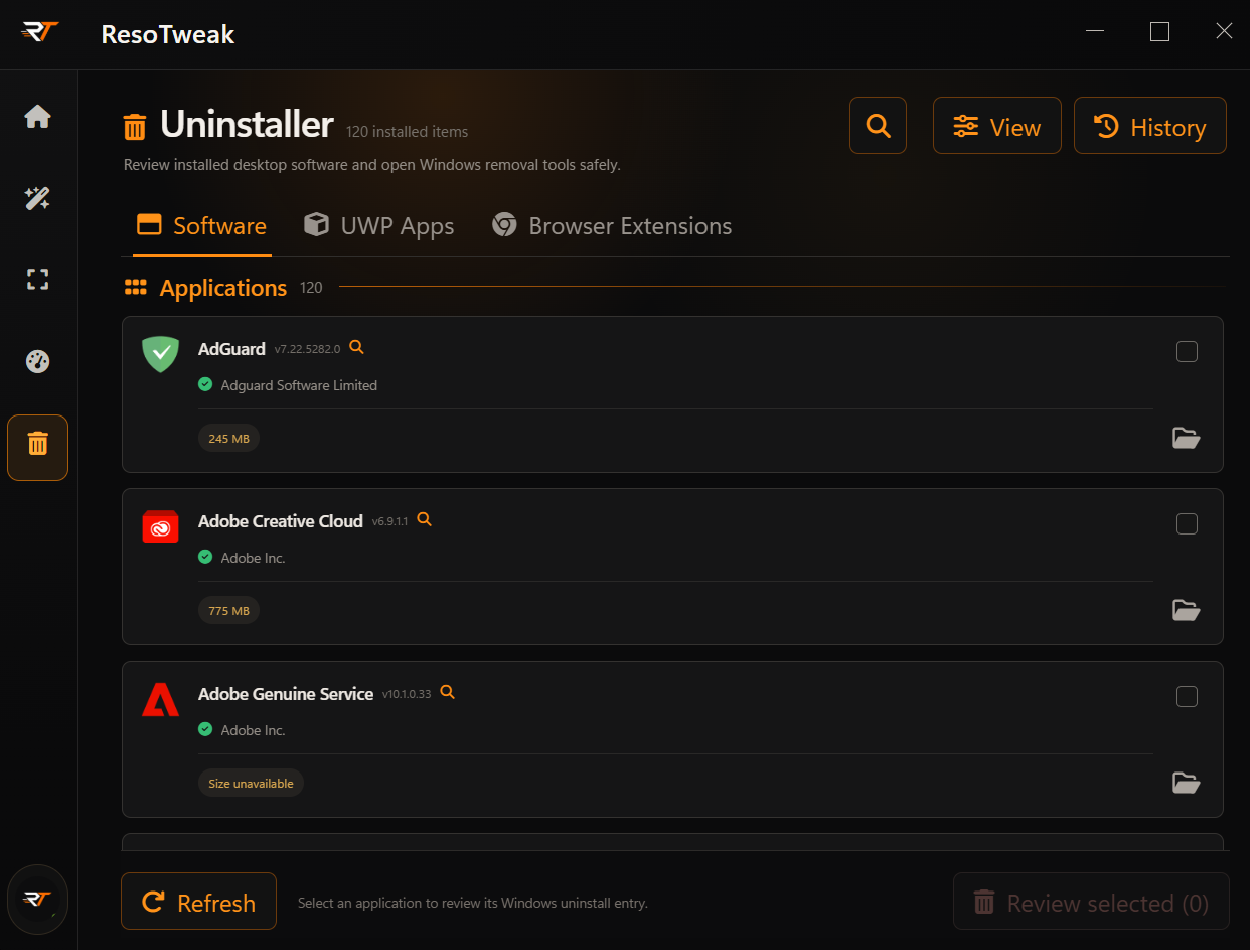
Inspect publisher, version, install location, and the registered uninstall command before removal.
Explore Uninstaller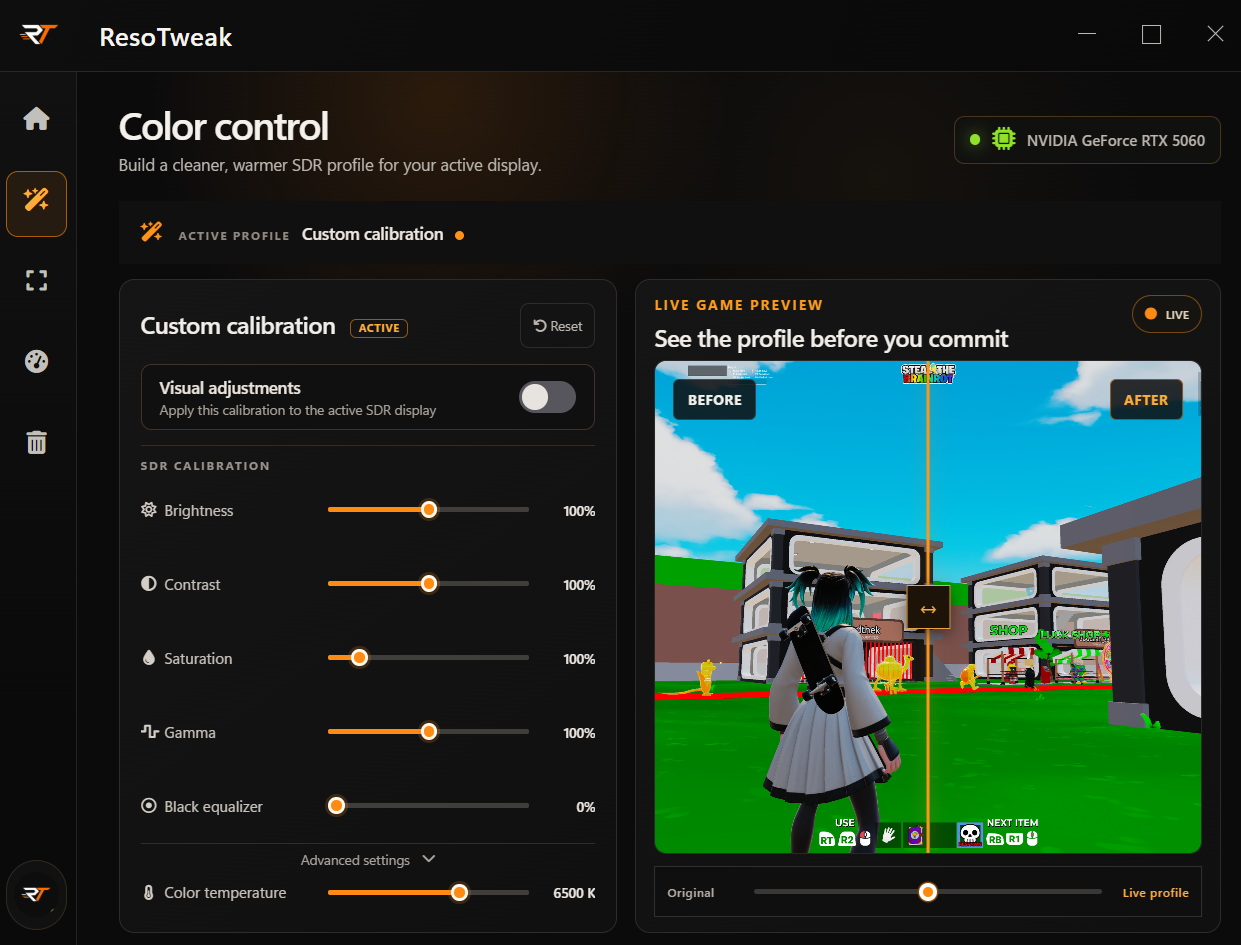
Apply reversible SDR brightness, contrast, gamma, and colour-temperature adjustments for your display.
Explore VisualsCURRENT DESKTOP BUILD
These are current ResoTweak application screens. The desktop beta is under active development for Windows 10 and 11.
You're in control
Review each action before applying it. Supported Windows settings have recovery backups; permanent file cleanup cannot be undone.
Get started
Start with the settings you understand, then tune from there.
Request an invite